DesignThinkingUncle


Meet Uncle
Meet “Design Thinking Uncle” — a passionate educator and uncle and designer with over 25 years of experience in mechanical and product design. With 17 years of teaching Design Thinking in secondary schools. Design Thinking Uncle is a believer that good design should solve real-life problems in simple, meaningful ways. Using the Design Thinking process — Needs Analysis / Empathize, Research, Ideation, Prototype / Realization, and Development / Testing.
Design Thinking Uncle works with creative problem-solvers and innovative thinkers. He enjoys turning everyday frustrations into practical design opportunities. Combining industry experience with classroom teaching, Design Thinking Uncle inspires young learners to think critically, design confidently, and create solutions that improve people’s lives, but more importantly their own life.
Objectives & Benefits

-
Develop creative problem-solving skills by learning how to use the Design Thinking process to solve real-world challenges.
-
Gain hands-on experience in design concepts / solutions to improve everyday life by working together with uncle / group / community.
-
Build confidence in critical and innovative thinking by learning from experienced community members.
Three Benefits;
-
Build practical problem-solving skills
-
Connect with creative problem-solving communities
-
Turning ideas into action
About

Smarty the Cat
Smarty is a cat adopted by Design Thinking Uncle. Smarty the Cat has the ability to attach real life problems faced by others to itself due to its curiosity.
Meet The Team
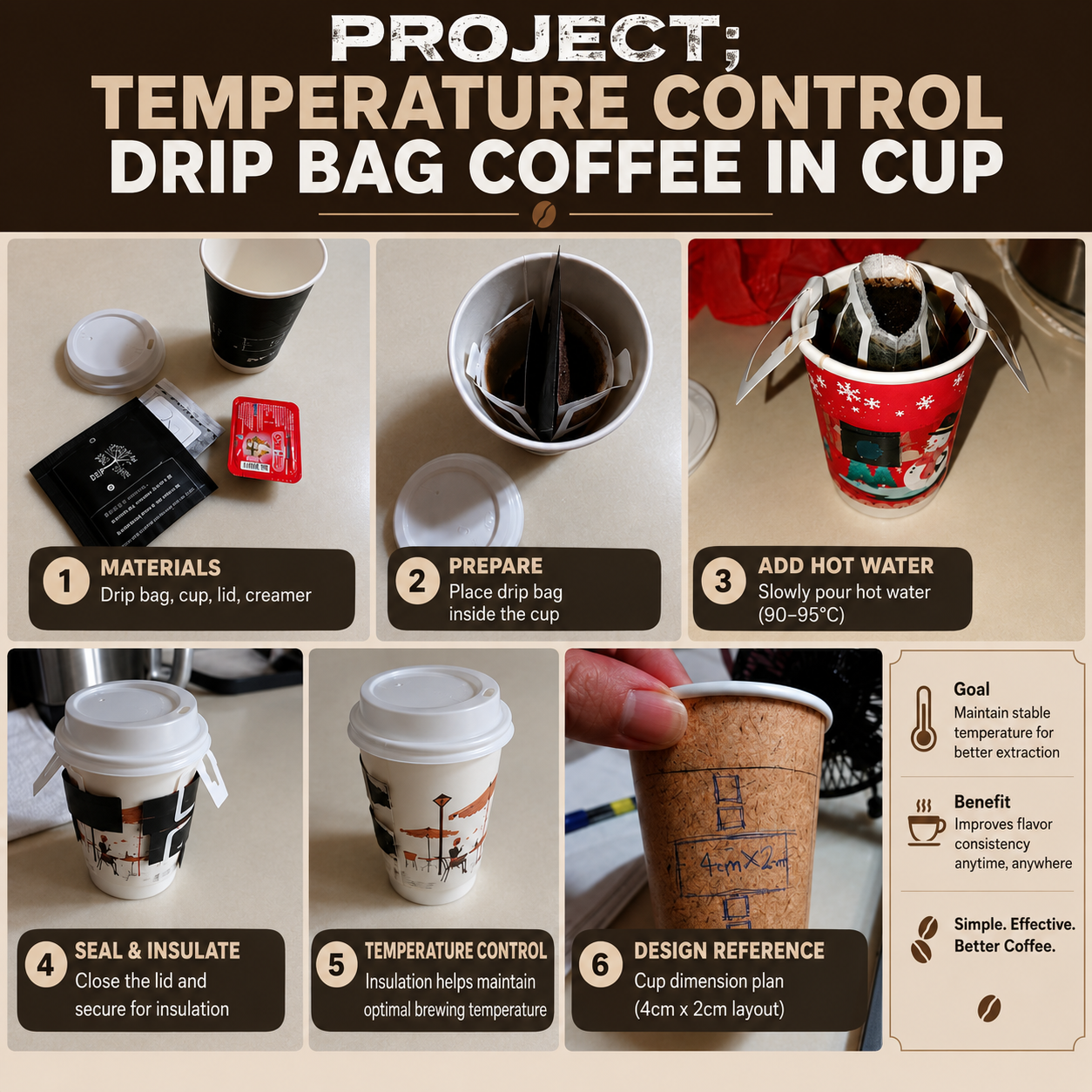
Smarty R&D product for brew coffee drinkers. What happens☕🐾 |Brew Coffee Journey Ep. 10
Tag someone who loves coffee but cannot take strong coffee.
Smarty the Cat Showcase
Brew Coffee Journey
Smarty joins experienced coffee roasters with hands on tasks☕🐾 |Brew Coffee Journey Ep. 9
Would you try coffee again after quitting?
Smarty the Cat Gets Rejected by Every Singapore Cafe Owners— Why ☕🐾| Brew Coffee Journey Ep. 8
Save this if you're learning something new too.
5 Steps of Design Thinking
A structured approach to creative problem-solving that turns complex challenges into innovative solutions.


Needs & Wants Analysis
Deeply understand the needs and wants of the people you are designing for. We focus on listening and observation to uncover the root of the problem.

Research
Explore the context and gather insights through interviews, surveys, and field studies. We build a comprehensive understanding of the environment.

Ideation
Generate a wide range of creative solutions without judgment. We encourage wild ideas and diverse perspectives to spark innovation.

Prototype / Realization
Create a tangible or digital model of your best ideas. We build quick, low-cost versions to test and refine our concepts.

Testing / Development
Put your solution to the test with real users. We collect feedback and iterate until we have a robust, user-centered product.
Design Thinking Interactive Board
01
What is it?
The Design Thinking Interactive Board is a free, browser-based digital toolkit that guides you through the Design Thinking process — from understanding a problem all the way to prototyping a solution. No app download needed, works on both desktop and mobile.
(Beta)
02
What it has?
-
A visual Design Thinking board with 5 stages: Needs & Wants Analysis, Research, Ideation, Development, and Prototype
-
A searchable library of tools and methods for each stage, with YouTube tutorial videos and downloadable Word templates for each one
-
5 Collection Boards where you upload your completed templates and sort responses by dragging cards
-
An Evaluation section to shortlist your best responses
-
A Decision Making section to choose what moves forward
-
Mobile-friendly fill-in forms for every tool — no Word app needed
-
Auto-saves your work so nothing is lost when you close the browser
03
Steps to use it
1. Type your problem situation into the board and confirm it
2. Select your user level (Secondary School or Higher Level)
3. Pick a stage to start with (e.g. Needs & Wants Analysis)
4. Browse the tools — watch the tutorial video, then download or open the fill-in form
5. Fill in the template on your phone or computer
6. Upload your completed templates to the Collection Board for that stage
7. Sort the responses — drag cards into OK, Neutral, or No columns
8. Evaluate — mark which responses to use for the next step
9. Decide — use the Decision Making tools to choose your best ideas
10. Repeat for the next stage until your solution is ready



Real-Life
Problem Solving:
Brew Coffee
What Our Community Says
“
Coming Soon ...
Who will it be ?
“